
No-frills talk timer in a single HTML file.
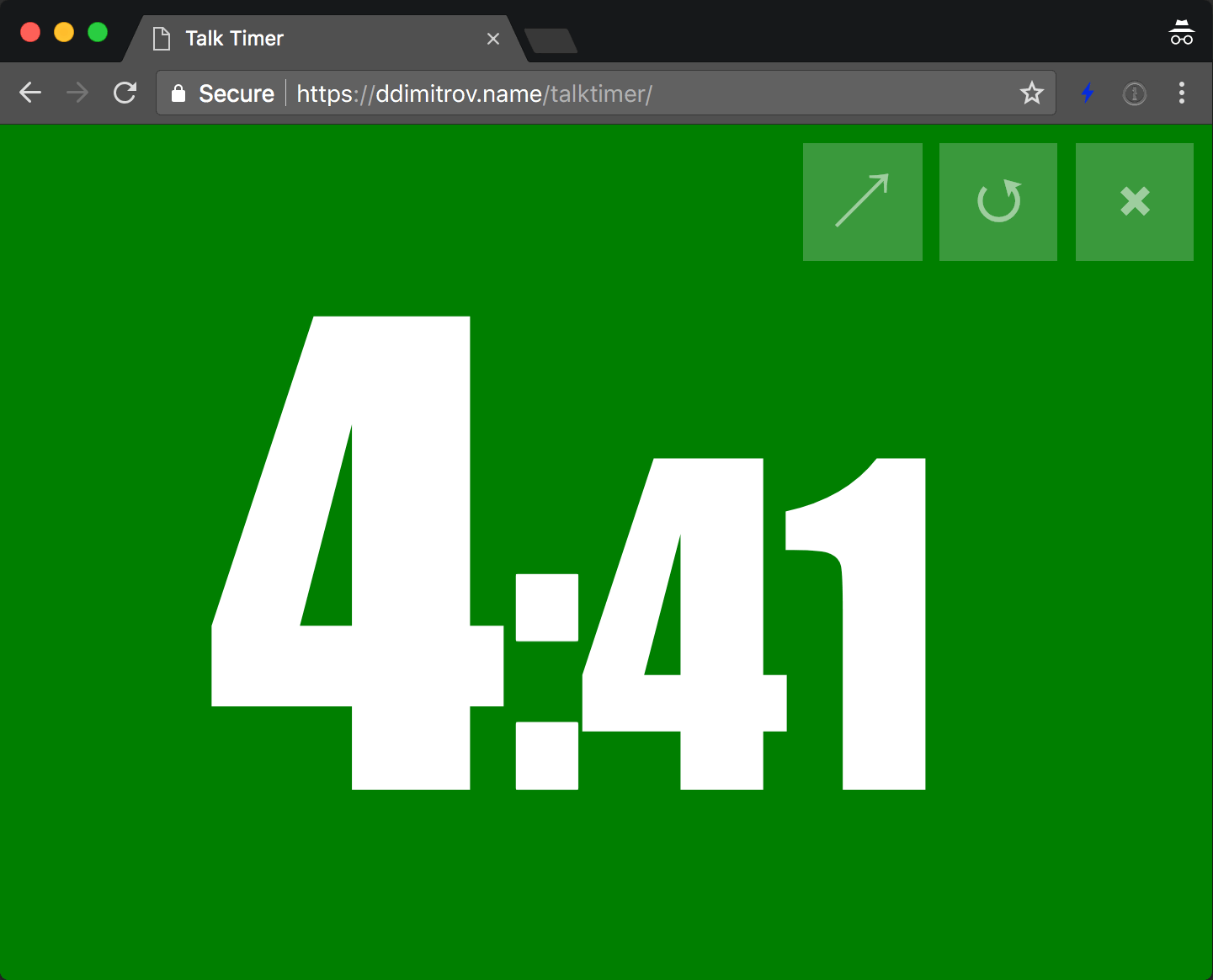

If you have internet, just open https://ddimitrov.name/talktimer/.
For offline usage, clone the repo or get the files somehow and open index.html.
Opening the timer initially will show a configuration screen. You can set the duration, an optional "warning" threshold, whether to show seconds or not and so on.
Once the timer is started, you can quickly restart it with the ↺ button, put it in fullscreen with
↗ or stop it and go back to the configuration screen with ⨉.
The background will be green while there's still time left. When time elapses, the background turns red and the countdown continues in the negative numbers (e.g. -1 minute, -2 minutes, etc.) If there's a warning threshold configured, once it's reached, the background will turn from green to a shade of orange, before turning red at 0.
The timer tries to automatically determine the largest font size it can use and will set that. You can override that with the optional font height setting. If you play with that, make sure you check how the text looks with different digits on the screen.
You can open the timer with a number of minutes as a parameter and the timer will start directly:
https://ddimitrov.name/talktimer/?5
Alternatively, you can get a link to a full configuration from the home screen and share that. The timer will start immediately.
Here is an example suitable for lightning talks:
You can change the time on a tablet you cannot see, for example from a control room.
- Open https://ddimitrov.name/talktimer/admin.html. It proposes a random 4-digit room number and shows the link for the tablet.
- Open that link on the tablet, e.g. https://ddimitrov.name/talktimer/?room=1234. The tablet shows "Waiting for the control room".
- Type a time in the admin page and send it. The countdown on the tablet starts again from the new time, and the admin page shows "Tablet confirmed" with the remaining time and color the tablet shows. If the tablet does not answer in 5 seconds, the admin page shows "NOT confirmed".
"Show seconds" works as on the configuration screen. With "No" the tablet shows whole minutes only,
rounded up (19:47 left shows as 20, the last minute as 1, and 0 means the time is over).
Instead of a duration you can type the clock time the talk must end at, e.g. 18:30. The admin page
sends the time left until then, by the clock of the computer it runs on. Under the countdown the
admin page shows when the tablet reaches zero, e.g. "Tablet ends at 18:30".
"Check tablet" asks the tablet what it shows right now. "Move the tablet to this room" switches the tablet and the admin page to another room number.
A room link can also carry a preset, e.g. ?room=1234&time=5&time-in=minutes. Without room the
timer works as before, also offline.
Good to know:
- The messages travel through the free public service ntfy.sh. Both devices need internet access.
- Anyone who knows the room number can change the time. Use a longer number if that worries you.
- ntfy.sh accepts 250 messages per day from one internet address. A time change costs two (the command and the confirmation). The admin page shows how many are left, in red below 30.
- ntfy.sh keeps messages for 12 hours. A tablet that was closed or offline picks up the last time you sent when it comes back within that period.
- In a room, the
⨉button goes back to the waiting screen, not to the configuration screen.
This repo is licensed under the MIT license. The bundled Anton font in
lib/vendor/anton is licensed under the SIL Open Font License.
All contributions are welcome, provided we keep it simple :)
Good luck with your presentations!